How do I measure body composition on my Samsung Galaxy Watch4

How to Measure Body Composition on Samsung Galaxy Watch4
The Samsung Galaxy Watch4 features a Bioelectrical Impedance Analysis (BIA) sensor that measures body composition metrics like body fat percentage, skeletal muscle mass, and body water levels. To get accurate readings, follow the correct measurement process and maintain consistent conditions.
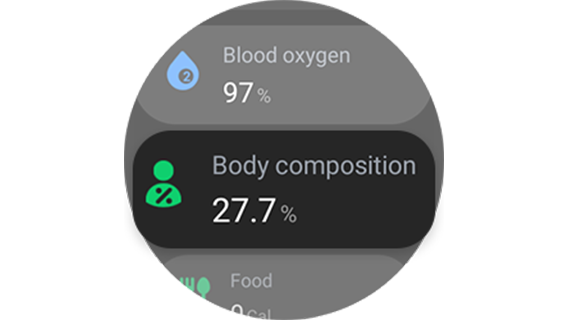
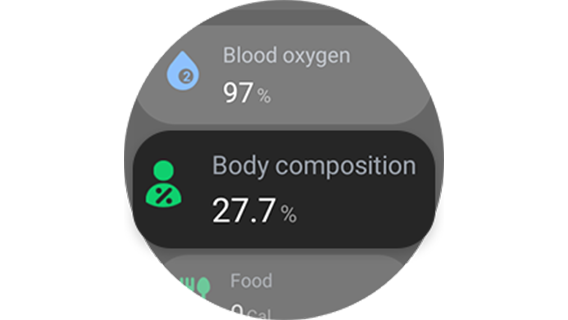
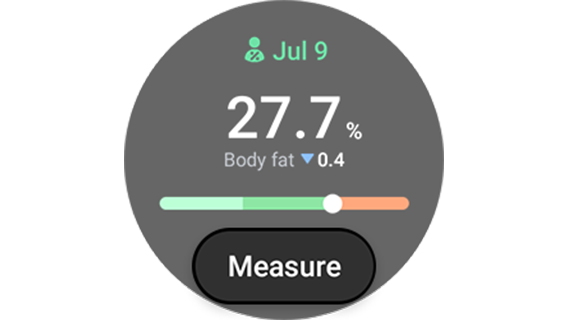
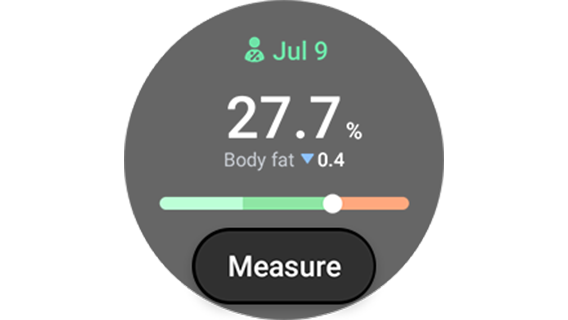
1. What Is Body Composition Measurement on Galaxy Watch4?
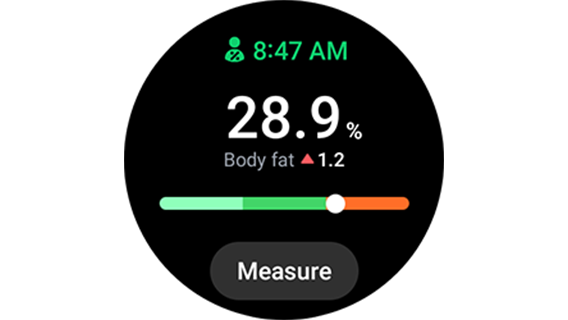
The Galaxy Watch4 uses a BIA sensor to analyze your body composition by sending a small, harmless electrical signal through your body. This helps estimate key health metrics such as:
-Body fat percentage
-Skeletal muscle mass
-Body water levels
-Basal metabolic rate (BMR)
-Body mass index (BMI)
Note: This feature is designed for fitness tracking and wellness monitoring, not medical diagnosis.
2. How to Prepare for Accurate Body Composition Measurement
To ensure reliable results, follow these preparation steps:
- Measure at the same time every day, preferably in the morning.
- Avoid eating or drinking before the measurement.
- Remove any metal objects like rings or watches.
- Do not measure immediately after exercising, showering, or consuming alcohol.
- Ensure your skin is dry; lightly moisturize if necessary.
Consistency in timing and conditions significantly improves measurement accuracy.
3. How to Measure Body Composition on Galaxy Watch4
Follow these steps to perform the measurement correctly:
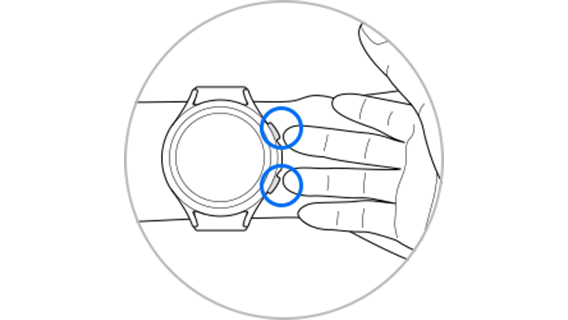
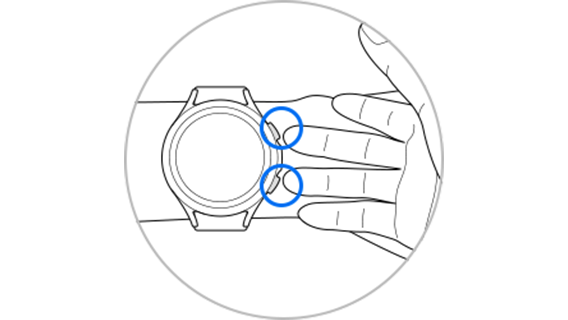
- Raise your arms to chest level without touching your body.
- Place your fingers on the sensor buttons without letting them touch each other.
- Keep your body completely still until the measurement is complete.
Maintaining proper posture ensures the electrical signal flows accurately through your body.
4. Why Is Body Composition Measurement Important?
Tracking body composition helps monitor overall health and fitness progress. Regular measurements can:
-Provide insights into changes in body fat and muscle mass
-Support personalized fitness and nutrition goals
-Encourage healthier lifestyle choices
5. Supported Samsung Galaxy Devices
The body composition measurement feature is available on:
-Samsung Galaxy Watch4
-Samsung Galaxy Watch5 series
-Samsung Galaxy Watch6 series
6. When Should You Avoid Using This Feature?
Do not use the body composition measurement if:
-You are pregnant
-You have implanted medical devices like pacemakers
-You have severe health conditions affecting your heart or circulation
7. Additional Things to Check
If you experience inconsistent results:
-Verify that your Galaxy Watch4 is fully charged.
-Ensure the watch face is clean and free of moisture.
-Check for software updates in the Galaxy Wearable app.
Related Samsung Support Topics



Thank you for your feedback!
Please answer all questions.